
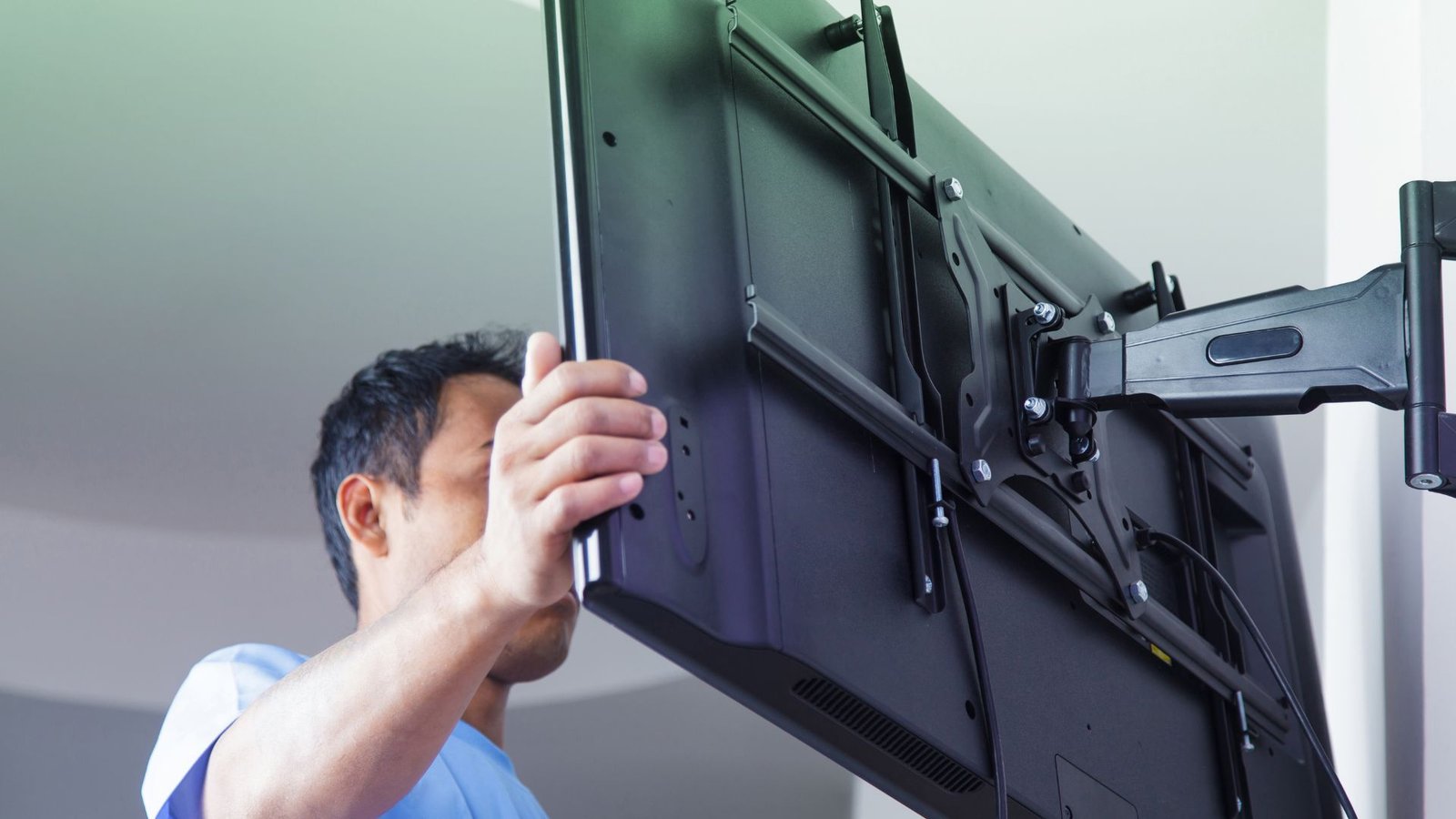
A television in a business space usually has a specific job. It might support presentations, give visitors something to watch, or display information where customers can see it.
That purpose should guide the installation.
A conference room screen needs to work for people seated around a table. A reception-area TV needs to remain visible without interfering with the front desk. A display in a customer-facing space may need to be seen by people who are standing or moving.
For businesses considering commercial TV mounting in Long Grove, a clear plan helps connect the screen's location with the way the space is actually used.
Decide What the Screen Needs to Do
Start with the main purpose of the installation.
Will employees use the screen for meetings? Will visitors watch it while waiting? Will it show announcements, menus, or promotional content?
Each use raises different questions.
A presentation screen may need accessible laptop connections. A waiting-room TV may need a clear view from several seats. A display showing written information needs content that people can comfortably read from the intended distance.
Write down the main use before selecting the wall or bracket. If the screen will serve several purposes, identify which one matters most.
This gives everyone involved a practical reference point when discussing placement, equipment, and connections.
Choose Placement From the Viewer's Perspective
The most open wall is not always the most useful location.
Walk through the space and look at the proposed screen position from the places people will actually use it. Sit at the conference table, stand near the reception desk, and check the view from waiting-area seating.
Look for obstacles such as columns, door swings, shelving, and tall furniture.
Also consider whether a mounted screen or an extended bracket could interfere with a walkway or working area. A location that works during a quiet site visit may behave differently when the business is busy.
For conference rooms, check the view from seats closest to the wall as well as those farthest away. For reception spaces, think about whether the screen would compete with signage or make conversations at the desk more difficult.
Plan for Readable Content, Not Just a Large Screen
Choosing a television by screen size alone can overlook how it will be used.
A screen that works well for video may still be difficult to read when it shows a spreadsheet with small text. A promotional slide can become ineffective if it contains too much information for customers to absorb at a glance.
Consider the viewing distance and the type of content together.
If possible, test a sample presentation, announcement, or menu on the proposed screen before installation. View it from the expected audience position.
For meeting rooms, check whether people at the back can read the important information. For customer displays, simplify the content so the main message is easy to understand.
Mounting the screen is one part of making it useful. The content and equipment choices matter too.
Confirm the Wall and Building Requirements
Commercial interiors can include a variety of wall materials and concealed structures. The finished surface does not tell the whole story.
Before installation, confirm whether the space is owned or leased and whether the landlord or property manager has requirements for wall attachments, cable routing, or contractor access.
If building plans or information about the wall construction are available, share them with the installer.
Discuss any restrictions before the appointment, including:
- Approved work hours.
- Access to the installation area.
- Building entry or loading procedures.
- Requirements for protecting shared spaces.
- Permission for drilling or alterations.
- Expectations for restoring the wall at the end of a lease.
These details can affect the project even when the TV itself is straightforward to mount.
Separate Physical Mounting From Technology Setup
A mounted TV does not automatically mean the entire system is ready for business use.
The screen may also need a computer, media player, conferencing device, network connection, or content platform. Each component needs a clear place in the project.
Before requesting a quote, decide who will handle those connections and settings.
For example, an office may have an IT provider who manages presentation equipment. A customer-facing display may use a separate content service. A video meeting room may require equipment beyond the television and bracket.
Ask the mounting provider to confirm exactly what is included. Identify electrical work, network configuration, device setup, and software support as separate items where needed.
Clear responsibilities help prevent a finished mounting job from being mistaken for a fully configured AV system.
Make Cable Access Part of the Plan
Business equipment often changes over time.
A laptop adapter gets replaced. A media player needs restarting. A new presentation device uses a different connection.
Plan the installation so routine access remains practical. Discuss where devices will sit, how connections will be reached, and whether the bracket allows the access your equipment needs.
Cable management should also account for movement. If the screen will turn or tilt, the connections need to accommodate its intended positions.
Review the existing outlet location before settling on the final wall position. If the project needs new electrical infrastructure, have that work assessed and coordinated separately.
A clean appearance is useful, but it should not make everyday operation unnecessarily difficult.
Coordinate Installation With Business Activity
Think about what happens around the proposed work area during normal hours.
A reception desk may need to remain available. A meeting room may already be booked. Customers or employees may regularly pass through the installation space.
Choose a suitable work window with the provider and explain any access restrictions in advance. Do not assume that evening or weekend installation is available without confirming it.
Before work begins, identify the person who can approve the final screen position. That person should understand the room's intended use and any building requirements.
Making these decisions early helps avoid last-minute changes after the installer arrives.
Prepare a Clear Commercial TV Mounting Request
A useful project inquiry includes the business address, number of screens, TV model numbers, photos of each proposed wall, and the intended use of each display.
Include any brackets already purchased, existing outlet locations, building restrictions, and equipment that needs to connect to the screens.
At Your Service Pros lists TV mounting services on its service page. For a commercial project in Long Grove or the surrounding North Shore area, send the project details and ask the team to confirm the mounting scope, site requirements, and available scheduling.
A clear request makes it easier to establish what the project needs before installation begins.
Discuss your project or call (630) 901-7707.